

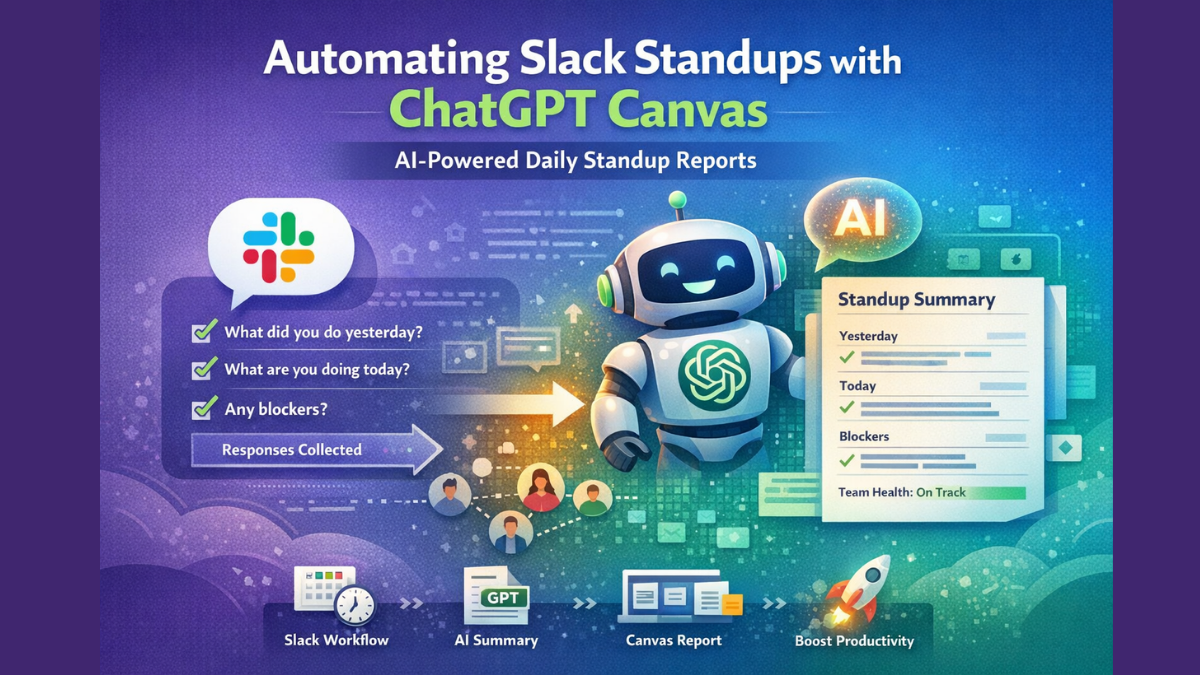
Use this when sending collected Slack responses to ChatGPT. You can paste this into your API call.
Standup Summary Prompt (Daily Version)
You are a project manager summarizing daily Slack standup updates.Your task:
1. Group updates by Yesterday, Today, and Blockers.
2. Highlight risks or delays clearly.
3. Identify repeated blockers across multiple team members.
4. Keep the tone professional but concise.
5. End with a short "Overall Team Health" summary.Here are the standup responses:{{PASTE_ALL_RESPONSES_HERE}}
Weekly Summary Prompt (Advanced Version)
You are a senior project lead reviewing weekly Slack standups.Analyze the updates and:1. Summarize key achievements.
2. Identify recurring blockers or risks.
3. Highlight productivity trends.
4. Mention team members who need support.
5. Suggest 2 actionable improvements for next week.Keep it structured and executive-ready.
Slack + ChatGPT Automation Starter Code
This example uses:
- Slack Bot
- Flask
- OpenAI API
It collects standup responses and posts an AI summary.
1️⃣ Install Dependencies
pip install slack_sdk flask openai
2️⃣ Basic Flask App
from flask import Flask, request
from slack_sdk import WebClient
import openai
import osapp = Flask(__name__)SLACK_BOT_TOKEN = os.getenv("SLACK_BOT_TOKEN")
OPENAI_API_KEY = os.getenv("OPENAI_API_KEY")client = WebClient(token=SLACK_BOT_TOKEN)
openai.api_key = OPENAI_API_KEYdef generate_summary(responses):
    prompt = f"""
    You are a project manager summarizing daily Slack standups.    Organize into:
    - Yesterday
    - Today
    - Blockers    Highlight risks and repeated blockers.    Standup responses:
    {responses}
    """    response = openai.ChatCompletion.create(
        model="gpt-4o",
        messages=[{"role": "user", "content": prompt}]
    )    return response["choices"][0]["message"]["content"]@app.route("/standup-summary", methods=["POST"])
def standup_summary():
    data = request.json
    responses = data.get("standups")    summary = generate_summary(responses)    client.chat_postMessage(
        channel="#standup-summary",
        text=summary
    )    return "Summary Posted", 200if __name__ == "__main__":
    app.run(port=3000)
How to Trigger It Automatically
You have two options:
Option A: Slack Workflow Builder (No Code Trigger)
- Schedule daily standup message.
- Collect responses in a channel.
- Send responses via webhook to your Flask endpoint.
Option B: Fully Automated Slack Bot
- Bot listens to messages in #daily-standup.
- Collects all replies after a deadline.
- Sends them to ChatGPT.
- Posts summary automatically.
Bonus: Smart Prompt Upgrade
If you want more intelligence, use this enhancement inside your prompt:
Also:
- Calculate team workload intensity (Low / Medium / High).
- Detect morale signals.
- Suggest one automation opportunity.
This turns your standup into a mini AI project manager.
How to Use ChatGPT Canvas with This
After the summary is posted:
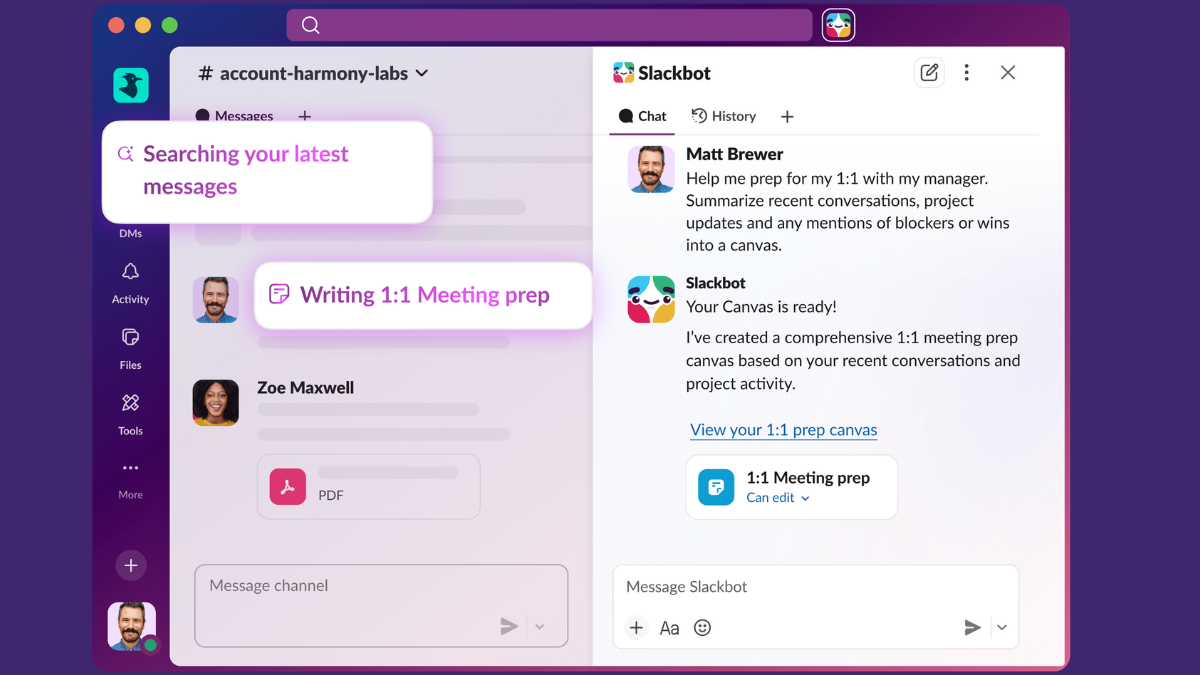
- Create a Slack Canvas attached to the channel.
- Paste the AI summary.
- Use Slack AI to:
- Reformat into table view.
- Turn blockers into task list.
- Generate sprint insights.
- Prepare retrospective notes.
Now your standup becomes documentation.
Real Upgrade Ideas
• Auto-tag Jira tickets
• Send blocker alerts to managers
• Generate weekly reports automatically
• Track recurring issues over time
• Create sprint health score
This is how you move from “daily check-ins” to “AI-powered project visibility.”
Also read: Automating Slack Standups with ChatGPT Canvas: A Step-by-Step Guide to Smarter Team Updates