
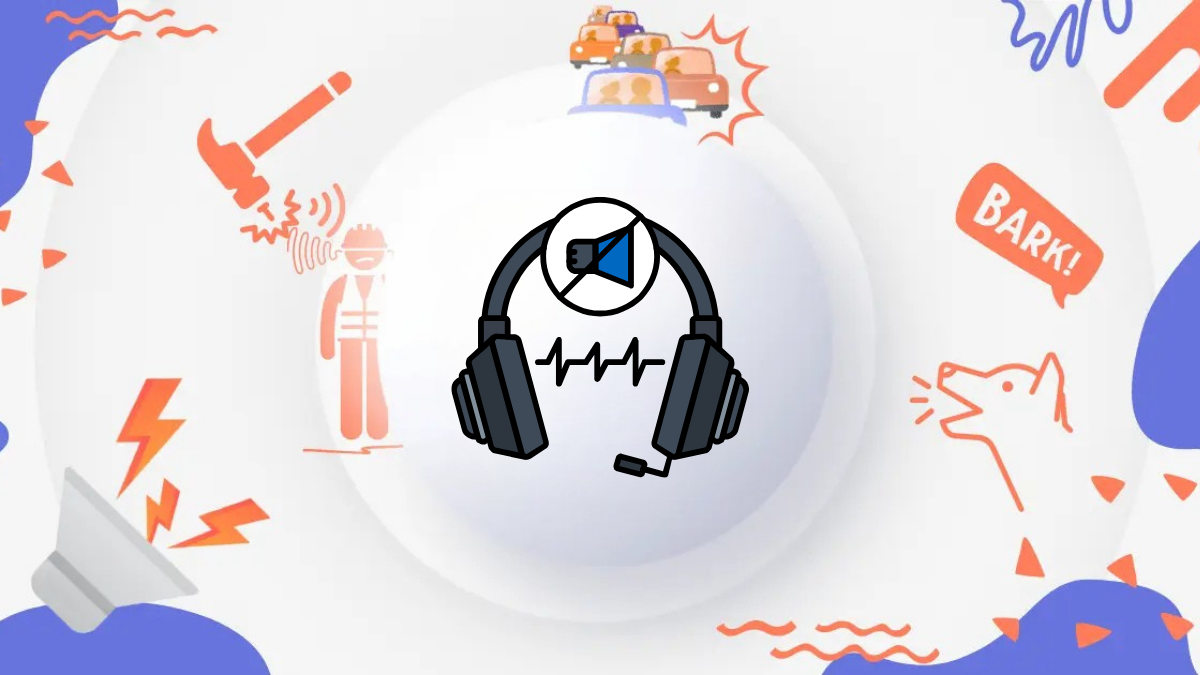
Remote work sounds great until the noise starts. Dogs bark during client calls. Keyboards click non-stop. Traffic sneaks into your microphone at the worst moment. If you attend daily Zoom or Teams meetings, you already know that clear audio is not optional. It is professional survival.
In this detailed guide, we compare the Best AI noise canceling for remote workers (Free vs Paid) based on real-world usage, features, pricing, and performance so you can choose the right solution for your setup.
Why AI Noise Canceling Matters for Remote Work
Modern AI noise cancellation tools use machine learning to separate your voice from background sounds in real time. Unlike traditional noise suppression, AI tools actively identify speech patterns and remove unwanted sounds like typing, fans, traffic, or nearby conversations.
For remote workers, freelancers, and distributed teams, this means:
- More professional calls
- Better focus
- Fewer interruptions
- Improved client experience
Now let’s break down the best options.
Free AI Noise Canceling Tools for Remote Workers
Free tools are perfect if you have limited meetings or want to test performance before upgrading.
1. Krisp (Free Plan)
Krisp is one of the most recognized AI noise cancellation tools in the remote work space. It works as a virtual microphone and speaker between your device and conferencing apps.
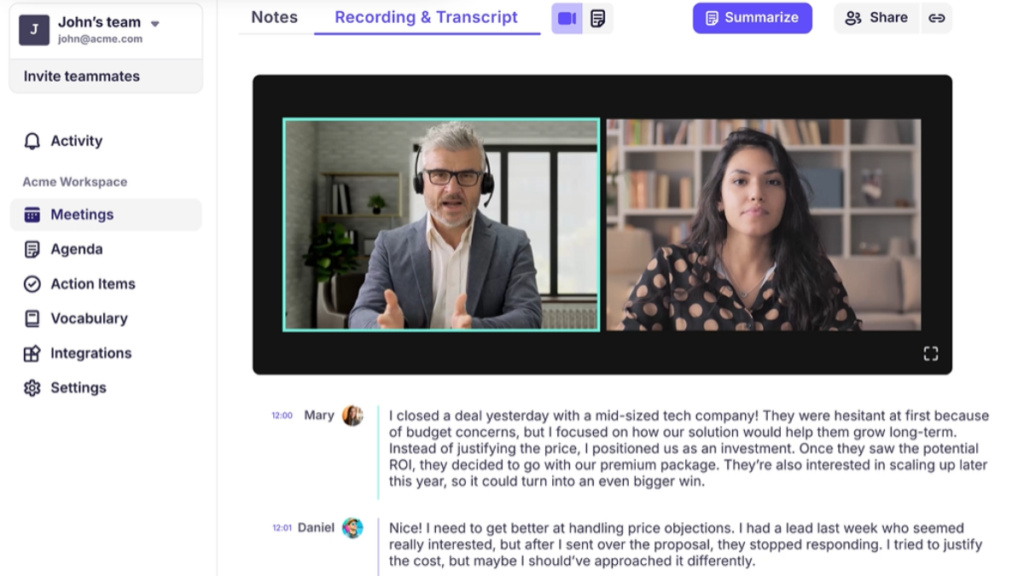
Key Features (Free Plan)
- Real-time background noise removal
- Echo cancellation
- Works with Zoom, Teams, Google Meet, Slack
- Limited weekly minutes
| Feature | Free Plan | Paid Plan |
|---|---|---|
| Real-time noise canceling | Yes | Yes |
| Echo removal | Yes | Yes |
| Weekly usage limit | Limited | Unlimited |
| AI meeting tools | No | Yes |
Best for: Freelancers, students, occasional meetings
Limitation: Time restriction on weekly usage
2. Built-In Noise Suppression (Zoom & Teams)
Most conferencing platforms now include built-in AI noise filtering.
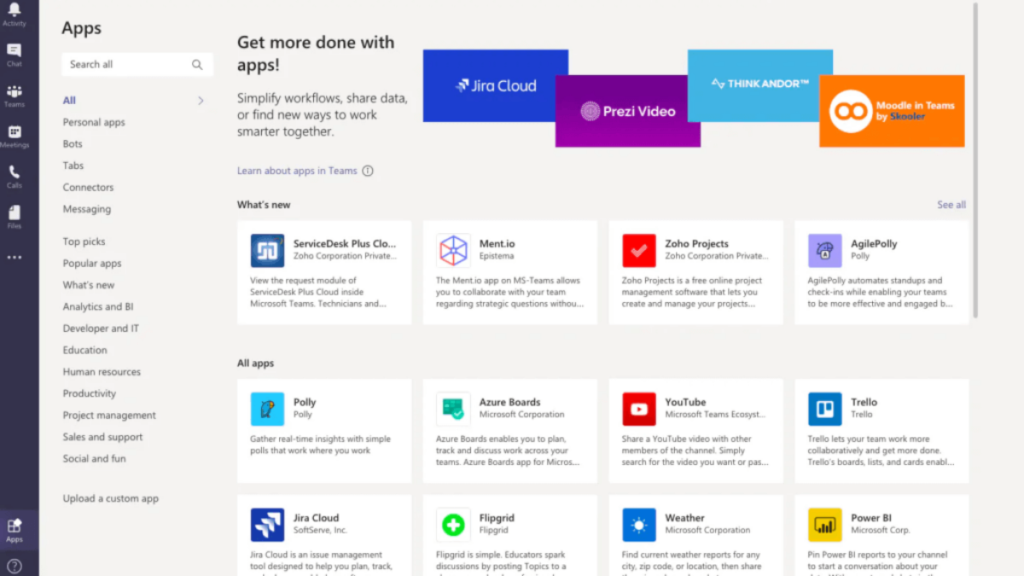
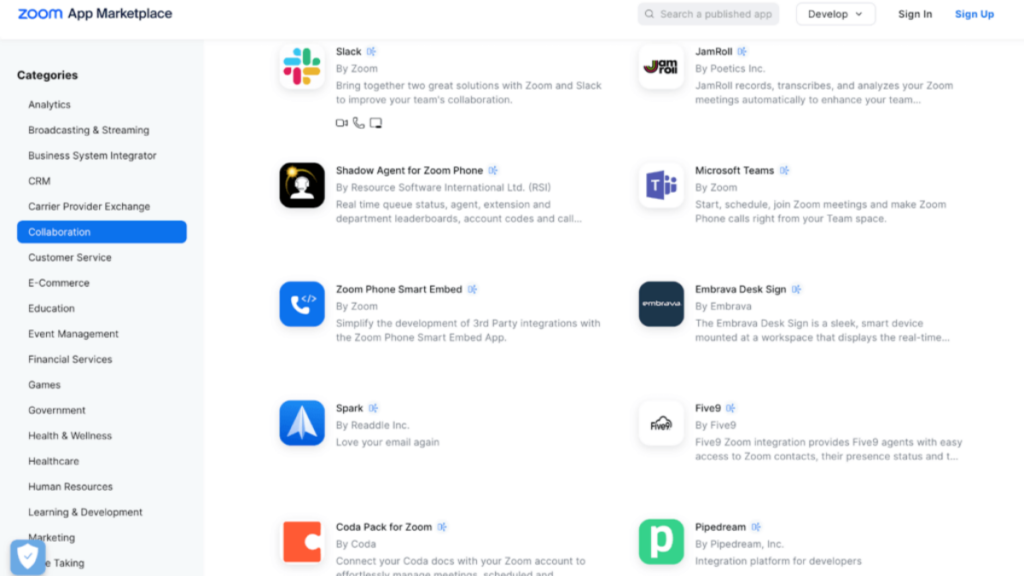
Best AI Noise Canceling for Remote Workers
- Zoom offers adjustable noise suppression levels.
- Microsoft Teams provides automatic background filtering.
These are free inside the apps and require no extra installation.
| Feature | Built-In Tools |
|---|---|
| Extra software needed | No |
| Cost | Free |
| Works system-wide | No |
| Advanced AI features | Limited |
Best for: Light background noise and simple setups
Limitation: Not as powerful as dedicated AI tools
3. NVIDIA Broadcast (Hardware-Based Free Option)
If you own a compatible NVIDIA GPU, NVIDIA Broadcast provides strong AI-powered noise removal using your graphics card.
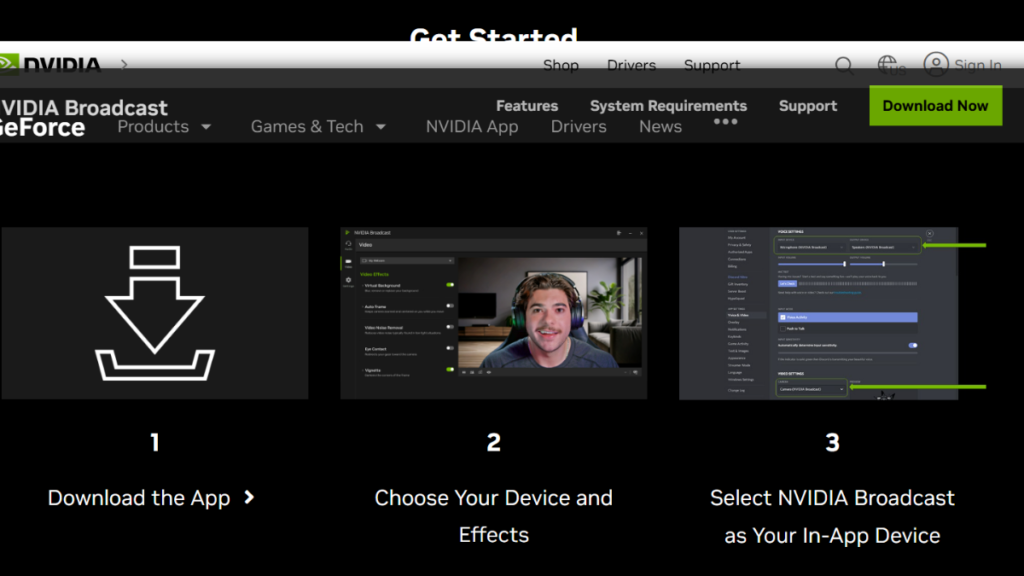
| Feature | NVIDIA Broadcast |
|---|---|
| Subscription required | No |
| Requires RTX GPU | Yes |
| Real-time processing | Yes |
| Works across apps | Yes |
Best for: Remote workers with RTX graphics cards
Limitation: Hardware dependency
Paid AI Noise Canceling Tools (Professional Level)
If you work in back-to-back meetings or noisy environments, paid tools deliver stronger consistency and extra productivity features.
1. Krisp Pro
The paid version of Krisp removes time limits and adds advanced tools like AI meeting notes and summaries.
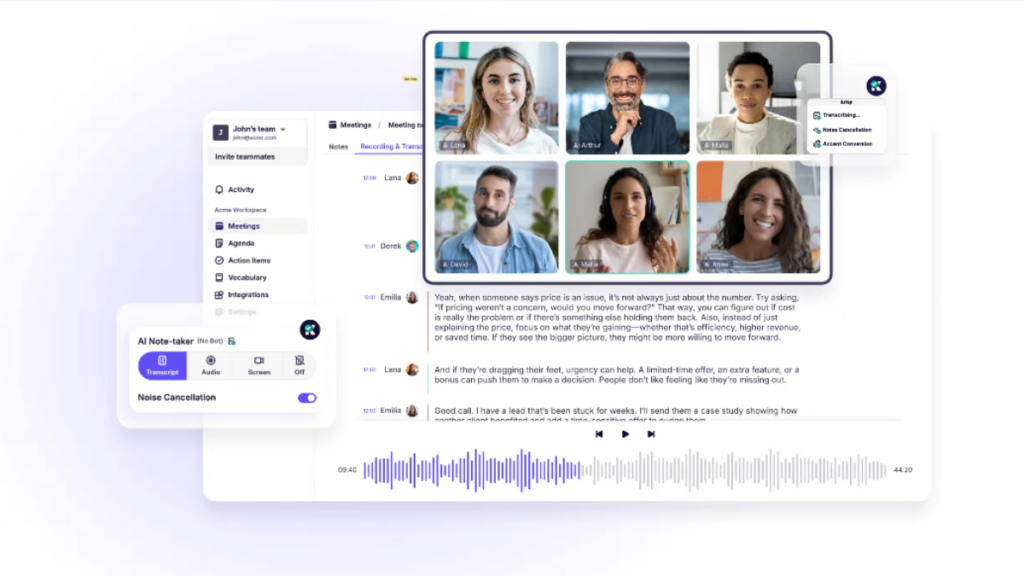
| Feature | Krisp Pro |
|---|---|
| Unlimited noise canceling | Yes |
| AI meeting summaries | Yes |
| Cross-platform support | Yes |
| Team management | Yes |
Best for: Client-facing professionals, remote teams, sales calls
Average Cost: Mid-range subscription
2. IRIS Clarity
IRIS Clarity focuses on advanced voice isolation for professional calls and recordings.
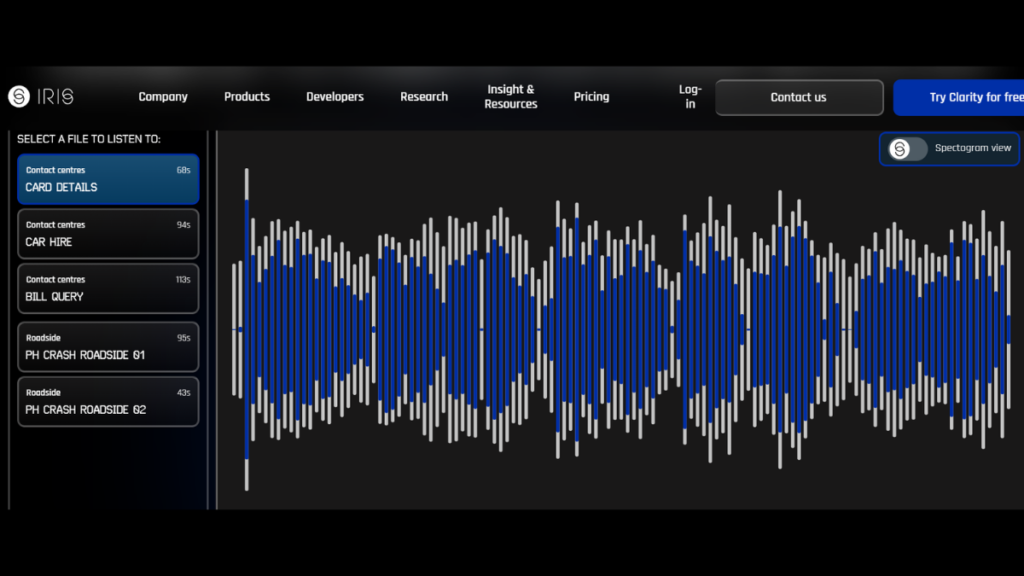
| Feature | IRIS Clarity |
|---|---|
| Two-way noise removal | Yes |
| Real-time processing | Yes |
| Subscription model | Yes |
| Enterprise use | Strong |
Best for: High-noise environments, customer support, broadcast-level calls
Limitation: Higher pricing compared to basic plans
Free vs Paid: Side-by-Side Comparison
Here’s a simple comparison to help you decide.
| Criteria | Free Tools | Paid Tools |
|---|---|---|
| Cost | $0 | Monthly subscription |
| Audio quality | Good | Excellent |
| Meeting duration | Limited | Unlimited |
| Extra AI features | Rare | Often included |
| Best for | Casual users | Professionals |
Comparison Table: AI Noise Canceling Tools for Remote Workers
| Feature / Tool | Krisp (Free) | Krisp Pro (Paid) | Zoom Built-in | Teams Built-in | NVIDIA Broadcast | IRIS Clarity |
|---|---|---|---|---|---|---|
| Cost | Free | Paid | Free | Free | Free (needs hardware) | Paid |
| Real-Time Noise Cancellation | ✅ | ✅ | ⚙️ Basic | ⚙️ Basic | ✅ | ✅ |
| Echo Cancellation | ✅ | ✅ | ⚙️ | ⚙️ | ✅ | ✅ |
| Unlimited Usage | ❌ limited minutes | ✅ | ✅ | ✅ | ✅ | ✅ |
| Works With Any App | ⚠️ (via virtual driver) | ⚠️ | ❌ | ❌ | ⚠️ | ⚠️ |
| AI Meeting Tools (notes, summary) | ❌ | ✅ | ❌ | ❌ | ❌ | ❌ |
| Two-Way Voice Isolation | ❌ | ✅ | ❌ | ❌ | ✅ | ✅ |
| System-Wide Support | ⚠️ | ⚠️ | ❌ | ❌ | ✅ | ⚠️ |
| Best Use Case | Casual calls | Pro remote work | Simple meetings | Simple meetings | Power users with RTX GPU | High-noise pro calls |
Legend:
- ✅ = Supported / Strong
- ⚙️ = Basic or limited support
- ❌ = Not supported or minimal
- ⚠️ = Works but requires setup or dependent on platform
Quick Notes
Krisp (Free) — Great starter tool with basic AI noise canceling but limited weekly usage.
Krisp Pro — Best paid choice for consistent performance and extra AI features.
Zoom & Teams Built-in — Easy and free; good if noise is light but not as powerful.
NVIDIA Broadcast — Best free option if you already have an RTX GPU; top-tier noise filtering.
IRIS Clarity — Premium choice for two-way voice isolation and noisy environments.
Which One Should You Choose?
If you attend only a few meetings per week, start with Krisp’s free plan or built-in Zoom/Teams suppression. It costs nothing and works well in most home setups.
If you run client calls daily, manage remote teams, or work in noisy environments, upgrading to Krisp Pro or IRIS Clarity gives you cleaner, more stable audio without worrying about limits.
If you already own an RTX graphics card, NVIDIA Broadcast is a powerful no-subscription option that performs at a very high level.
Final Thoughts
Clear communication builds trust in remote work. AI noise canceling is no longer a luxury. It is a basic tool for productivity.
Start free. Test your environment. Upgrade if your meetings demand it.
The right tool depends on how often you speak, how noisy your space is, and how professional your calls need to be.
If you’re building a complete remote productivity system, don’t miss How to Use NotebookLM for Remote Team Meetings in 2026: The Complete Productivity Playbook, where we break down step-by-step implementation for modern teams.
FAQ’s
1. What is the best AI noise canceling tool for remote workers?
The best AI noise canceling tool depends on your needs. Krisp is one of the most popular options for real-time noise removal across multiple apps. NVIDIA Broadcast works great if you have an RTX GPU. Built-in Zoom and Teams suppression works well for light background noise.
2. Is there a free AI noise cancellation tool?
Yes. Krisp offers a free plan with limited weekly minutes. Zoom and Microsoft Teams include built-in noise suppression at no extra cost. NVIDIA Broadcast is also free if you own compatible hardware.
3. Is paid AI noise canceling worth it?
If you attend frequent meetings or work in a noisy environment, paid AI tools offer unlimited usage, stronger filtering, and better voice clarity. They are especially useful for client-facing professionals and remote teams.
4. Does AI noise canceling work in real time?
Yes. Most modern AI noise cancellation tools process audio in real time during calls. This means background sounds are removed instantly without noticeable delay.
5. Which AI noise canceling tool works with all meeting apps?
Krisp and NVIDIA Broadcast work system-wide and can be used with most meeting platforms like Zoom, Teams, Slack, and Google Meet.
6. Can AI noise canceling remove keyboard typing and barking dogs?
Yes. Advanced AI noise suppression tools are trained to remove common background sounds such as typing, traffic, fans, barking, and office chatter while keeping your voice clear.